Account access
Email login, Apple or Google sign-in, and password reset help.
Use Forgot password on the login screen for email accounts. If you joined with Apple or Google, sign in with the same provider.
RedCheck Support
Send us account, billing, privacy, or product questions. We read every support request and use clear details to resolve issues faster.
Email support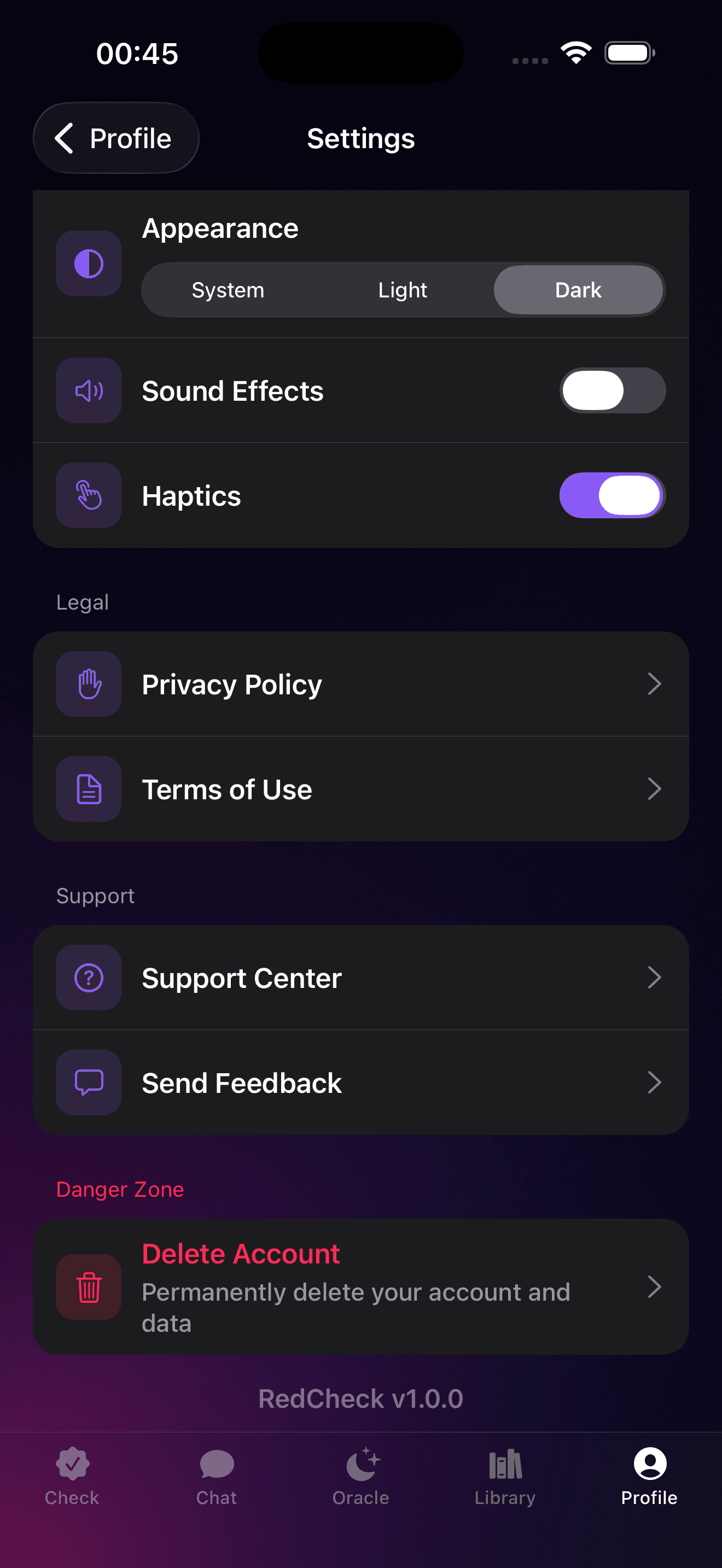
Quick paths
Email login, Apple or Google sign-in, and password reset help.
Use Forgot password on the login screen for email accounts. If you joined with Apple or Google, sign in with the same provider.
Restore purchases, billing status, and App Store subscription management.
Open RedCheck Settings to restore purchases or manage your plan. Apple billing changes are handled from your Apple ID subscriptions.
Questions about scans, photos, audio, account deletion, or GDPR rights.
You can delete your account from RedCheck Settings. For data requests, email support from the address linked to your account.
Report confusing verdicts, localization issues, or unexpected app behavior.
Include your device model, iOS or iPadOS version, app version, and the steps that led to the issue so we can reproduce it.
What to send
We can help faster when your message includes the account email, device model, iOS or iPadOS version, app version, and what you expected to happen.
Your RedCheck account email
Device model and iOS or iPadOS version
App version from Settings
Steps to reproduce the issue
Screenshots, if they do not include sensitive content
Email us and we'll take it from there. For subscriptions, refunds, and billing changes, Apple may also ask you to manage the request from your Apple ID purchase history.